
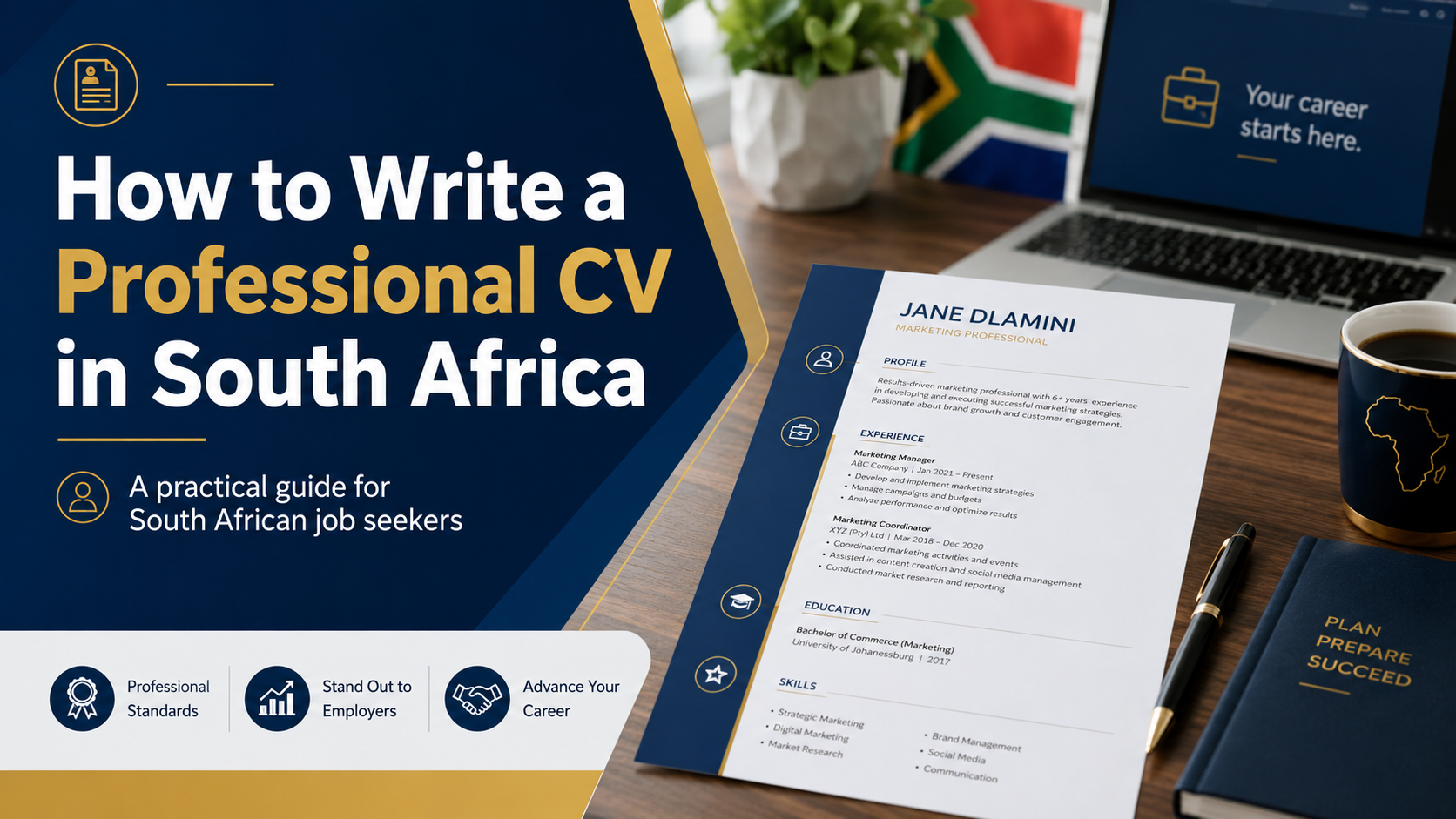
A professional CV is one of the most important documents in your job search. It introduces you to an employer, explains your qualifications and experience, and helps recruiters decide whether to invite you for an interview.
South African employers may receive hundreds of applications for one vacancy. Your CV therefore needs to be clear, accurate, relevant and easy to read.
Professional CV Quick Facts
What Is a CV?
A curriculum vitae, commonly called a CV, is a document that summarises your qualifications, experience, skills and professional background.
A CV normally includes:
- Full name and contact information.
- Professional profile.
- Key skills and competencies.
- Employment history.
- Education and qualifications.
- Training and certificates.
- Professional registration.
- Languages.
- References.
Your CV should focus on information that supports your application for the position you are targeting.
How Long Should a South African CV Be?
- Approximately two pages for an entry-level applicant.
- Three to four pages for an experienced professional.
- Longer only where detailed academic, clinical, research or technical information is required.
Do not add unnecessary information simply to make the document longer. Focus on relevant qualifications, experience, skills and achievements.
Choose a Clean CV Design
A professional CV should use:
- Arial, Calibri, Aptos or another readable font.
- Consistent heading sizes.
- Clear section headings.
- Simple bullet points.
- Balanced spacing and margins.
- Limited and professional use of colour.
Avoid:
- Decorative fonts.
- Excessive colours.
- Large graphics.
- Complicated tables.
- Text that is embedded inside images.
- Too many side-by-side columns.
Example of a Professional CV Layout
The CV below demonstrates a structured layout with a professional profile, work history, skills, education and references.

Protect your personal information
Do not publish your real identity number, signature, bank details, full residential address or other sensitive information in an online CV example.
1. Full Name and Contact Details
Place your name and contact details at the top of the first page.
Include:
- Full name and surname.
- Active mobile number.
- Professional email address.
- Town or city.
- Province.
- LinkedIn profile, where relevant.
- Portfolio link, where relevant.
Contact-details example
Thandi Mokoena
Johannesburg, Gauteng
082 123 4567
thandi.mokoena@email.com
linkedin.com/in/thandimokoena
You normally do not need to include your full residential address unless the employer specifically requests it.
2. Professional Profile
The professional profile is a short paragraph summarising your experience, qualifications and strongest skills.
Keep it between approximately three and five lines and tailor it to the vacancy.
Experienced applicant example
Results-driven administrative professional with more than five years of experience in office administration, records management, customer service and report preparation. Skilled in Microsoft Office, data capturing and coordinating daily operational activities.
Graduate example
Motivated Bachelor of Commerce graduate with strong communication, analytical and computer skills. Completed practical training in administration, customer service and data management and is seeking an entry-level professional opportunity.
3. Key Skills
List skills that are relevant to the advertised position.
Examples include:
- Customer service.
- Data capturing.
- Report writing.
- Microsoft Word and Excel.
- Records management.
- Communication.
- Time management.
- Problem-solving.
- Claims assessment.
- Project coordination.
- Stock control.
- Patient care.
Avoid listing only vague qualities such as “hardworking.” Include practical abilities that show what you can do.
4. Employment History
List employment from the most recent position to the oldest.
For every position, include:
- Employer name.
- Job title.
- Location.
- Starting and ending dates.
- Main responsibilities.
- Relevant achievements.
Employment example
Administrative Officer
Ubuntu Community Health Centre, Johannesburg
May 2022–Present
- Manage patient and administrative records.
- Capture information accurately on electronic systems.
- Prepare monthly operational reports.
- Coordinate meetings and departmental diaries.
- Respond to telephone and email enquiries.
Responsibilities Versus Achievements
Responsibilities explain what you were expected to do. Achievements show the results of your work.
| Responsibility | Achievement |
|---|---|
| Captured customer information on the company database. | Captured and verified more than 100 customer records per day while maintaining a high level of accuracy. |
| Prepared monthly reports. | Introduced a tracking spreadsheet that improved the accuracy and timeliness of monthly reports. |
Do not invent figures. Use information that you can explain and support during an interview.
5. Education and Qualifications
List qualifications from the highest to the lowest.
Include:
- Official qualification name.
- Institution name.
- Year completed.
- Major subjects, where relevant.
- Current studies, where applicable.
Bachelor of Administration
University of South Africa
Completed: 2024
National Senior Certificate
Mamelodi Secondary School
Completed: 2019
6. Professional Registration
Add this section when the occupation requires registration with a professional or statutory body.
Examples include:
- Health Professions Council of South Africa.
- South African Nursing Council.
- South African Pharmacy Council.
- Engineering Council of South Africa.
- South African Council for Social Service Professions.
Include the council name, registration category and current status where appropriate.
7. Training and Certificates
Add relevant short courses and certificates, including the provider and completion year.
Examples include:
- Basic Life Support.
- First Aid.
- Occupational Health and Safety.
- Microsoft Office.
- Project Management.
- Customer Service.
- Cybersecurity Fundamentals.
- Data Protection and POPIA.
8. Technical and Computer Skills
List software and technical systems that you can use confidently.
- Microsoft Word.
- Microsoft Excel.
- Microsoft PowerPoint.
- Microsoft Outlook.
- Google Workspace.
- Pastel or SAP.
- Customer relationship systems.
- Electronic medical records.
- Claims-management platforms.
Be honest about your ability. Employers may test computer skills during the recruitment process.
9. Languages
List languages you can speak, read and write.
| Language | Speaking | Reading | Writing |
|---|---|---|---|
| English | Excellent | Excellent | Excellent |
| Setswana | Excellent | Good | Good |
| isiZulu | Conversational | Basic | Basic |
10. References
Include two or three professional references who can confirm your experience, work quality or conduct.
Suitable references include:
- Current or previous supervisor.
- Department manager.
- Team leader.
- Internship supervisor.
- Lecturer or academic supervisor.
Ask permission before adding someone’s details to your CV.
Personal Information to Leave Out
You normally do not need to include:
- Your full identity number.
- Marital status.
- Number of children.
- Religion.
- Political affiliation.
- Bank-account details.
- Full residential address.
- Private health information.
Should you include a photograph?
A photograph is generally unnecessary for government, healthcare, administration and most corporate applications unless the employer specifically requests one.
How to Write a CV With No Work Experience
Applicants without formal employment can focus on:
- Education.
- Academic projects.
- Volunteer work.
- Leadership roles.
- Internships and learnerships.
- Community involvement.
- Practical training.
- Short courses.
Volunteer experience example
Volunteer Administrative Assistant
Community Youth Centre
January 2025–June 2025
- Assisted with filing and document organisation.
- Captured attendance records.
- Responded to basic enquiries.
- Supported community-event registration.
How to Tailor Your CV to a Vacancy
- Read the job advertisement carefully.
- Identify the required qualifications.
- Identify the required experience.
- Note important skills and keywords.
- Update your professional profile.
- Place relevant skills first.
- Highlight related responsibilities and achievements.
- Remove unrelated information where necessary.
Only include keywords that accurately describe your real qualifications and experience.
What Is an ATS-Friendly CV?
ATS means applicant tracking system. Employers use these systems to receive applications, organise candidates and search CVs for relevant information.
An ATS-friendly CV should use:
- Standard section headings.
- Simple formatting.
- Clear job titles.
- Relevant keywords.
- Readable fonts.
- Selectable text.
Avoid:
- Important information inside images.
- Decorative charts.
- Complicated text boxes.
- Unusual section headings.
- Scanned image-only CV files.
Best File Format and Filename
PDF is normally the best format because it preserves the document layout.
Professional filename
Thandi_Mokoena_CV.pdf
Unprofessional filename
newcvfinalversion4.pdf
Open the final PDF before submitting it and check that no text is missing, cut off or difficult to read.
Common CV Mistakes
Spelling and grammar errors
Proofread your CV carefully before submitting it.
Incorrect contact information
Double-check your telephone number and email address.
Using the same CV for every application
Tailor your profile, skills and experience to the vacancy.
Using long paragraphs
Use concise paragraphs and bullet points.
Listing only responsibilities
Add relevant achievements and results where possible.
Including false information
Employers may verify qualifications, professional registration, employment history and references.
Professional CV Checklist
Use the visual checklist below before submitting your CV.

Final CV Checklist
- Your full name is clearly visible.
- Your telephone number is correct.
- Your email address is professional.
- Your town, city or province is included.
- Your professional profile matches the vacancy.
- Relevant skills are easy to find.
- Employment is listed from newest to oldest.
- Responsibilities begin with action words.
- Relevant achievements are included.
- Qualification names are accurate.
- Professional registration is current.
- References have agreed to be contacted.
- Spelling and grammar have been checked.
- The layout is clean and consistent.
- The CV has been tailored to the vacancy.
- The file has a professional filename.
- The PDF opens and displays correctly.
Prepare Your CV Before Applying
Read the vacancy requirements, update your CV with relevant experience and save the completed document as a clear, professional PDF.
Browse Latest JobsJob Application Safety
Do not include bank details or unnecessary sensitive personal information in your CV.
Confirm that the vacancy and recruitment portal are legitimate before uploading your identity document, qualifications or other personal records.
Disclaimer
CareerZA provides general career guidance and is not affiliated with any employer or recruitment agency. The CV example displayed on this page uses fictional applicant information for educational purposes.