
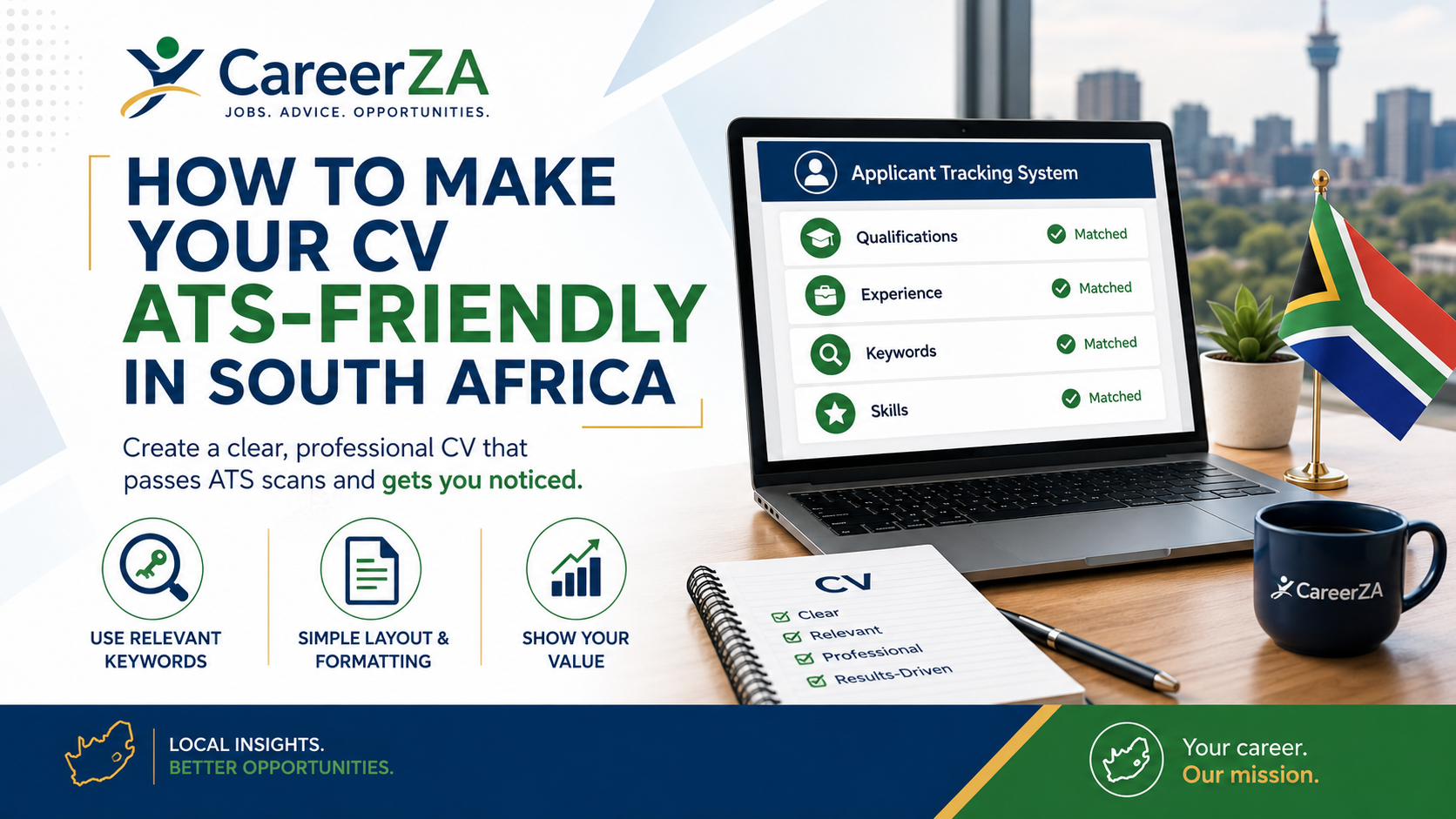
Many South African employers use online recruitment platforms to receive, organise and screen job applications. These platforms are commonly known as applicant tracking systems.
An ATS may scan your CV for information such as qualifications, job titles, experience, professional registration, skills and keywords before a recruiter reviews the application.
ATS-Friendly CV Quick Facts
What Is an Applicant Tracking System?
An applicant tracking system is software used by employers and recruitment agencies to receive and manage employment applications.
An ATS may help an employer to:
- Receive online applications.
- Store candidate information.
- Organise applications by vacancy.
- Search CVs for qualifications and skills.
- Apply screening questions.
- Track interview and recruitment stages.
- Communicate with applicants.
Recruitment software does not always make the final hiring decision. Recruiters and hiring managers still assess applications, but the system helps them manage large numbers of candidates.
Why an ATS-Friendly CV Matters
Employers may receive hundreds of applications for one position. Recruiters may search their recruitment system for qualifications and skills such as:
- Microsoft Excel.
- Customer service.
- Data capturing.
- Project management.
- Claims assessment.
- HPCSA registration.
- SANC registration.
- SAPC registration.
- Financial administration.
- Valid driver’s licence.
Clear wording and standard headings help software and recruiters understand your background.
Use a Simple One-Column Layout
A single-column layout is normally safer because information flows from the top of the page to the bottom in a predictable order.
A suitable order is:
- Full name and contact details.
- Professional profile.
- Key skills.
- Employment history.
- Education and qualifications.
- Professional registration.
- Training and certificates.
- Technical skills.
- Languages.
- References.
Avoid important information in sidebars
Some systems may read a sidebar before the main content or combine text from two columns incorrectly.
Use Standard Section Headings
Recommended headings include:
- Professional Profile.
- Key Skills.
- Employment History.
- Work Experience.
- Education.
- Qualifications.
- Professional Registration.
- Training and Certificates.
- Technical Skills.
- Languages.
- References.
Avoid unclear headings such as:
- My Journey.
- My Story.
- What I Bring.
- My Superpowers.
- Where I Have Been.
Use Relevant Keywords From the Vacancy
Read the job advertisement and identify the most important requirements, including:
- Position title.
- Qualifications.
- Years of experience.
- Professional registration.
- Computer systems.
- Technical skills.
- Main duties.
- Required certificates.
- Workplace competencies.
Include matching terms only where they accurately describe your real experience and qualifications.
Weak keyword list
Administration, filing, reports, customer service, Excel, communication, teamwork.
Stronger keyword use
Administrative professional with experience in customer service, data capturing, records management, report preparation and Microsoft Excel.
Write a Targeted Professional Profile
Your profile should summarise your profession, experience, strongest skills and suitability for the advertised role.
Administration example
Detail-oriented Administrative Officer with four years of experience in records management, data capturing, customer service and monthly reporting. Proficient in Microsoft Word, Excel and Outlook.
Healthcare example
SANC-registered Professional Nurse with experience in patient assessment, emergency care, clinical documentation, infection prevention and multidisciplinary teamwork.
IT example
IT Support Technician with experience in hardware and software troubleshooting, Microsoft 365, Active Directory, remote support and user-account management.
Make Employment History Easy to Read
List your most recent position first and include:
- Official job title.
- Employer name.
- Location.
- Starting and ending dates.
- Relevant responsibilities.
- Measurable achievements.
Use one date style throughout the CV, such as:
January 2023 – Present
Begin responsibilities with action words such as:
- Managed.
- Processed.
- Prepared.
- Assessed.
- Coordinated.
- Analysed.
- Implemented.
- Maintained.
- Resolved.
- Improved.
ATS-Friendly CV Examples
The following examples demonstrate simple, readable CV structures for different professions. All names and contact information are fictional.
Administrative Officer CV Example
Clear employment history, standard headings and relevant office-administration keywords.

Professional Nurse CV Example
Includes SANC registration, patient-care skills and relevant clinical responsibilities.

IT Support Technician CV Example
Shows technical systems, certifications, support experience and standard ATS-recognisable headings.

Do not copy fictional details
Replace the names, telephone numbers, qualifications, employers, registrations and references with your own accurate information.
Write Qualification Names in Full
Use the official name of each qualification, followed by the abbreviation where appropriate.
| Less clear | Clear ATS-friendly wording |
|---|---|
| NSC | National Senior Certificate (NSC) |
| BCom | Bachelor of Commerce in Business Management |
| HPCSA | Health Professions Council of South Africa (HPCSA) |
| SANC | South African Nursing Council (SANC) |
| SAPC | South African Pharmacy Council (SAPC) |
Include Relevant Technical and Computer Skills
Examples include:
- Microsoft Word.
- Microsoft Excel.
- Microsoft PowerPoint.
- Microsoft Outlook.
- Microsoft 365.
- Google Workspace.
- SAP.
- Pastel.
- Power BI.
- SQL.
- Linux.
- Active Directory.
- Electronic medical records.
- Claims-management systems.
Focus on software and platforms that are relevant to the advertised vacancy.
Formatting Elements to Avoid
Important information in headers or footers
Place your name, telephone number and email address inside the main document body near the top of the first page.
Text boxes
Some systems may read text boxes in the wrong order or ignore them.
Important text inside images
ATS software may not read wording placed inside photographs, graphics, charts or screenshots.
Skill bars and percentages
Replace vague percentages with practical descriptions.
Instead of this
Microsoft Excel: 85%
Use this
Microsoft Excel: formulas, sorting, filtering, tables and basic charts.
Complicated tables
Normal headings and bullet points are usually safer than building the entire CV inside tables.
Decorative fonts
Use a readable font such as Arial, Calibri, Aptos, Helvetica or Verdana.
Use the Correct File Format
Follow the instructions in the job advertisement or recruitment portal.
Common formats include:
- PDF.
- Microsoft Word document.
Before uploading the document:
- Open every page.
- Confirm that text is not cut off.
- Check that the wording can be selected.
- Confirm that you selected the correct version.
- Remove password protection.
- Use a professional filename.
Professional filename
Thandi_Mokoena_Administrative_Officer_CV.pdf
Unprofessional filename
cvnewlatestfinal4.pdf
Run a Plain-Text Test
- Open your completed CV.
- Select all the text.
- Copy it.
- Paste it into Notepad or another text editor.
- Review the reading order.
Check whether:
- Your name appears near the top.
- Section headings remain understandable.
- Job titles remain next to the correct employers.
- Dates appear in the correct places.
- No important information is missing.
- The text follows a logical order.
Where the text becomes mixed or confusing, simplify the CV layout.
Do Not Keyword-Stuff or Hide Keywords
Keyword stuffing means repeating job-related words without meaningful context.
Avoid
Administration, administrator, administrative, administrative assistant, admin officer, admin support, office administration.
Do not place keywords in white text, extremely small font, behind images or outside the visible page.
Use only genuine skills, qualifications and experience.
Tailor the CV for Every Application
- Read the full vacancy advertisement.
- Identify compulsory requirements.
- Confirm that you meet them.
- Highlight relevant keywords.
- Update your professional profile.
- Place relevant skills near the top.
- Emphasise matching responsibilities.
- Add relevant achievements.
- Remove unrelated information.
- Proofread the final version.
Tailoring is not inventing
Tailoring means emphasising information that is relevant to the position. It does not mean changing your job titles, qualifications or experience.
Final ATS-Friendly CV Checklist
- The CV uses one main column.
- Your name and contact details are in the body.
- Standard section headings are used.
- Your professional profile matches the vacancy.
- Relevant keywords appear naturally.
- Your official job titles are clear.
- Employment dates are consistent.
- Responsibilities begin with action words.
- Relevant achievements are included.
- Qualification names are written clearly.
- Professional registration is listed.
- Technical skills are relevant.
- No important text appears only inside images.
- Complicated text boxes are avoided.
- The document can be copied as plain text.
- A readable font is used.
- The requested file format is used.
- The filename is professional.
- The correct CV version is uploaded.
Prepare Your ATS-Friendly CV
Use a simple layout, write clear section headings and tailor your genuine qualifications, skills and experience to the advertised vacancy.
Browse Latest JobsApplication Safety
Do not include passwords, bank details or unnecessary sensitive personal information in your CV.
Upload your documents only through verified employer and government recruitment websites.
Disclaimer
CareerZA provides general career guidance. Applicant tracking systems differ between employers, and no CV format can guarantee shortlisting or employment.
The examples displayed on this page contain fictional applicant information and are intended for educational use.